











The Sportbet app puts the sportsbook on your home screen, so placing a bet takes a few taps instead of loading a browser, typing an address and logging in again. For punters in Nigeria, that matters most during live football, when odds on a corner or a red card can move within seconds. This page explains where to get the file, how to install it on Android, what the Lite build is for, and what to do when something goes wrong.
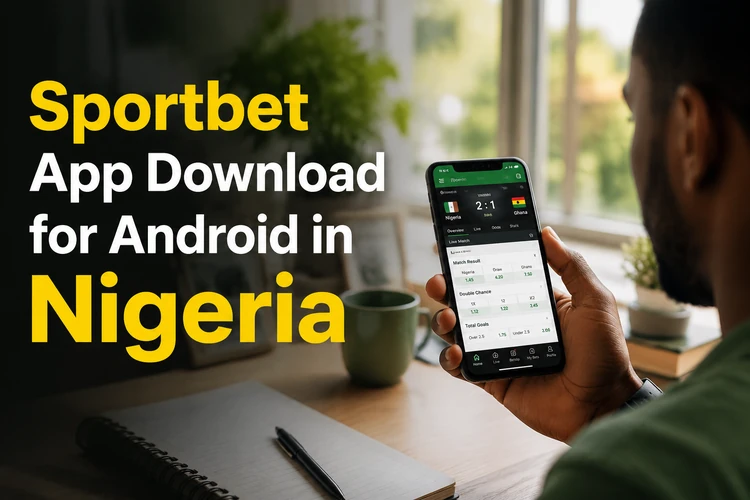
Everything below assumes that you install from the official website only. Modified builds circulating on file-sharing forums are not supported, may not update correctly and can put account credentials at risk. You must be 18+ to open an account and bet. Use a private connection when entering payment or identity details, and avoid installing files sent by unknown contacts.
Why Choose the Sportbet Mobile App
The app keeps market data, your coupon and your balance available within a compact mobile interface, so screens do not need to reload a complete browser page each time. On a busy 3G connection in Lagos or Ibadan, that can make fixture selection and coupon editing feel more responsive. A slower connection can still delay odds, so always check the price and selection again before confirming a bet.
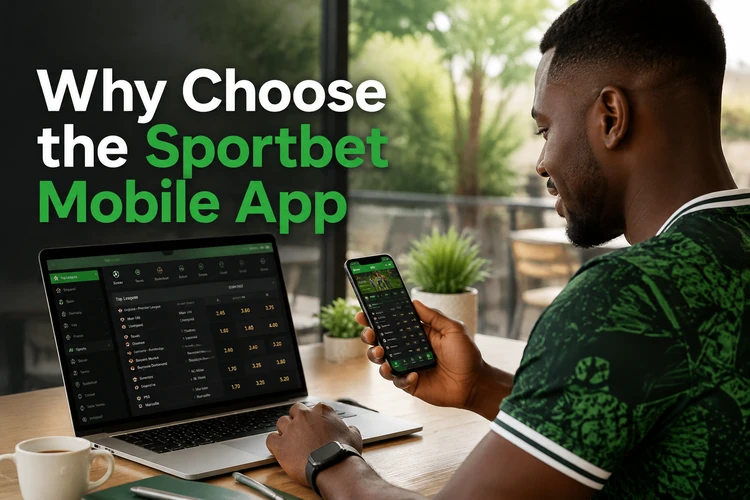
Account management is also easier to reach. Deposits, withdrawal requests, transaction history and verification documents can be grouped in the wallet area, while notifications may report a processed withdrawal, a match start or a settled coupon. Availability can depend on the account and device settings. Protect the phone with a screen lock, use a strong account password and do not share one-time codes with anyone claiming to be support.
Sportbet App Download Guide
The installer is distributed from the bookmaker's own pages rather than a public app store, which is common for betting products. Before starting, check that you have a working data connection, enough free storage and the ability to install a file downloaded by your browser. Close an older installation only if Android reports a package conflict.
An official file should come from the operator's website through HTTPS, show a recognisable brand name and include a visible version number. Do not pay a third party for the installer or send a code to a stranger on WhatsApp to unlock it. If the download page looks different from the usual site or requests unrelated permissions, stop and verify the source before continuing.
- Step 1: Open the mobile website on your Android phone and tap the Android download button.
- Step 2: Accept the browser warning about downloading a file and wait for the transfer to finish.
- Step 3: Open the file from your notification shade or the Downloads folder.
- Step 4: Allow installation from that source when Android asks.
- Step 5: Tap Install, then Open, and sign in or create an account.
Keep the download page open until the transfer is complete. On mobile data, a weak signal can create a partial file that looks finished but will not install. If your phone asks which application should open the file, select the package installer rather than a document viewer.
Installing Sportbet APK
An APK is the standard Android package format. Installing one by hand is called sideloading. It can provide a current build without waiting for store approval and lets you keep the file temporarily for a reinstall. The trade-off is that Android cannot verify an unknown source in the same way as a store, so you must check the origin yourself.
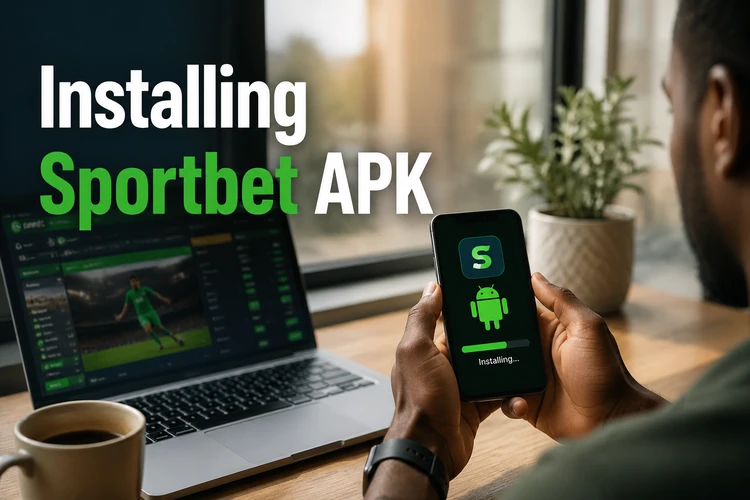
On Android 8 and newer, the permission is assigned to a particular app. Go to Settings, Apps, choose your browser, then open Install unknown apps and switch the permission on. Older versions may have one Unknown sources toggle under Security. Turn the permission off again after installation. Keep Play Protect enabled, delete the installer when you are satisfied that the app works, and never grant access that the app does not need, such as SMS, contacts or accessibility controls.
Sportbet Lite
Sportbet Lite is intended for entry-level handsets and restricted data plans. It reduces heavy animations, banner graphics and some statistics widgets while keeping core sportsbook screens, the coupon, results and cashier functions. On a phone with limited RAM, fewer visual elements can reduce freezing when several applications are open.
The full app is more suitable for a reasonably modern device if you want richer filters, detailed match statistics or live media where available. The two versions may use the same account, but the exact features can change between builds. If you rely on mobile data, compare loading speed and data use over a normal weekend before deciding which version to keep. Do not install both copies from unrelated sources at the same time.
Main Features and Device Requirements
Live betting lets you review in-play markets as a match develops. Prices can change quickly, and a selection may be suspended while an incident is reviewed, so confirm the final odds and stake before submitting. Prematch coverage can include football, basketball, tennis and other sports, with singles, multiples, system bets and a coupon that you can edit before confirmation. Bet history, open positions, results and active offers are available from the account menu. Our football predictions can help you shortlist fixtures before building a slip, but they are not a guarantee of an outcome.
Hardware demands are modest, although very old devices may struggle with live pages or several open applications. Use this table as a practical guide rather than a guaranteed specification.
| Requirement | Minimum guide | Recommended |
|---|---|---|
| Android version | 5.0 | 9.0 or newer |
| RAM | 1 GB | 3 GB or more |
| Free storage | 100 MB | 250 MB |
| Connection | Stable 3G | 4G or Wi-Fi |
Leave additional space for cached images, browser downloads and future updates. If the phone is nearly full, clear unused videos or old installers rather than deleting account data. A stable connection is especially useful for live markets, where a delayed screen can show an outdated price.
Updating the App and Fixing Problems
New builds may address a payment change, compatibility issue or software bug. Because an APK installation is not necessarily updated through an app store, the app may show a prompt or you may need to download the current file from the website and install it over the existing copy. Your login and bet history should remain in the account, so do not uninstall first unless support specifically requests it.
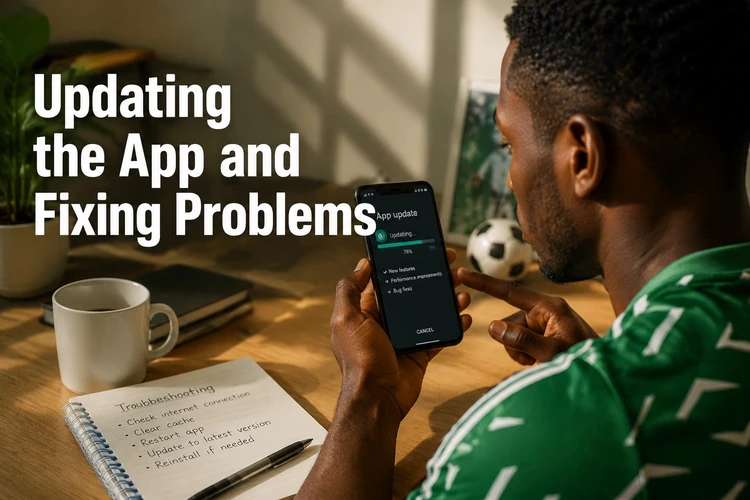
If the installation fails, check storage first and confirm that the permission is still enabled for the browser that downloaded the file. A file that will not open is often incomplete; delete it and download it again on a stable connection. If Android says the package is invalid, the file may not match your device or may have been damaged during transfer. Avoid trying random APK copies as a replacement.
When the app will not launch, restart the phone, close other applications and check whether Android is blocking the package. Clear the app cache only after recording any information you may need to sign in again. Login trouble can result from an incorrect phone number format, an expired session or a forgotten password; use the login page to reset access when a fresh attempt does not help. For payment or account issues, contact support with your device model, Android version and a description of the error, but never include your password or full payment details.
Set a spending limit before depositing, keep stakes affordable and take breaks. If betting stops feeling recreational, pause activity and review the site's responsible gambling guidance. An app makes access convenient, so phone-level controls and notification settings can be useful when you want time away from betting.
FAQ
Open the mobile website on your Android phone and tap the Android download button. Save the file, open it from notifications or the Downloads folder, and confirm the installation. Use only the official website and check that the download has completed before opening it.
The installer itself does not require a separate purchase. You may incur normal mobile data charges, and deposits or bets involve real money. Do not pay an intermediary for an installer or an activation code.
Sideloading is safer when the file comes directly from the operator's official website. Keep Play Protect enabled, check the source, turn off the unknown-app permission after installation and delete the installer. Avoid modified or cracked files because they can expose account details.
Lite is a smaller build for lower-spec phones and limited data plans. It reduces heavy graphics and some advanced elements while retaining core betting and account functions. The full version may offer richer statistics or media where available, but features depend on the current build.
You can generally browse fixtures and odds without signing in, but placing a bet, depositing or withdrawing requires an account and any verification requested by the operator. You must be 18+ to register and bet.
Follow the update prompt when one appears, or download the current installer from the official website and install it over the existing copy. Keep enough free storage and use a stable connection. Do not uninstall first unless support tells you to.